Make yourself at home.
Compose your character, clothes and accessories. Preview layers together, work with animation frames, and save your appearance from one suite.
 Moot World
A customizable world inside your Discord server. The working private build brings people, presence and creative tools into one shared space.
Moot is in private testing. Public installation is not available yet.
Upright pixel characters inhabit a lit 3D world. See who’s in accessible voice rooms, who’s speaking and who has chosen to be available, busy or away.
Your Moot availability is separate from Discord’s DND status. The map’s location and your call are separate too.
Understand presence and calls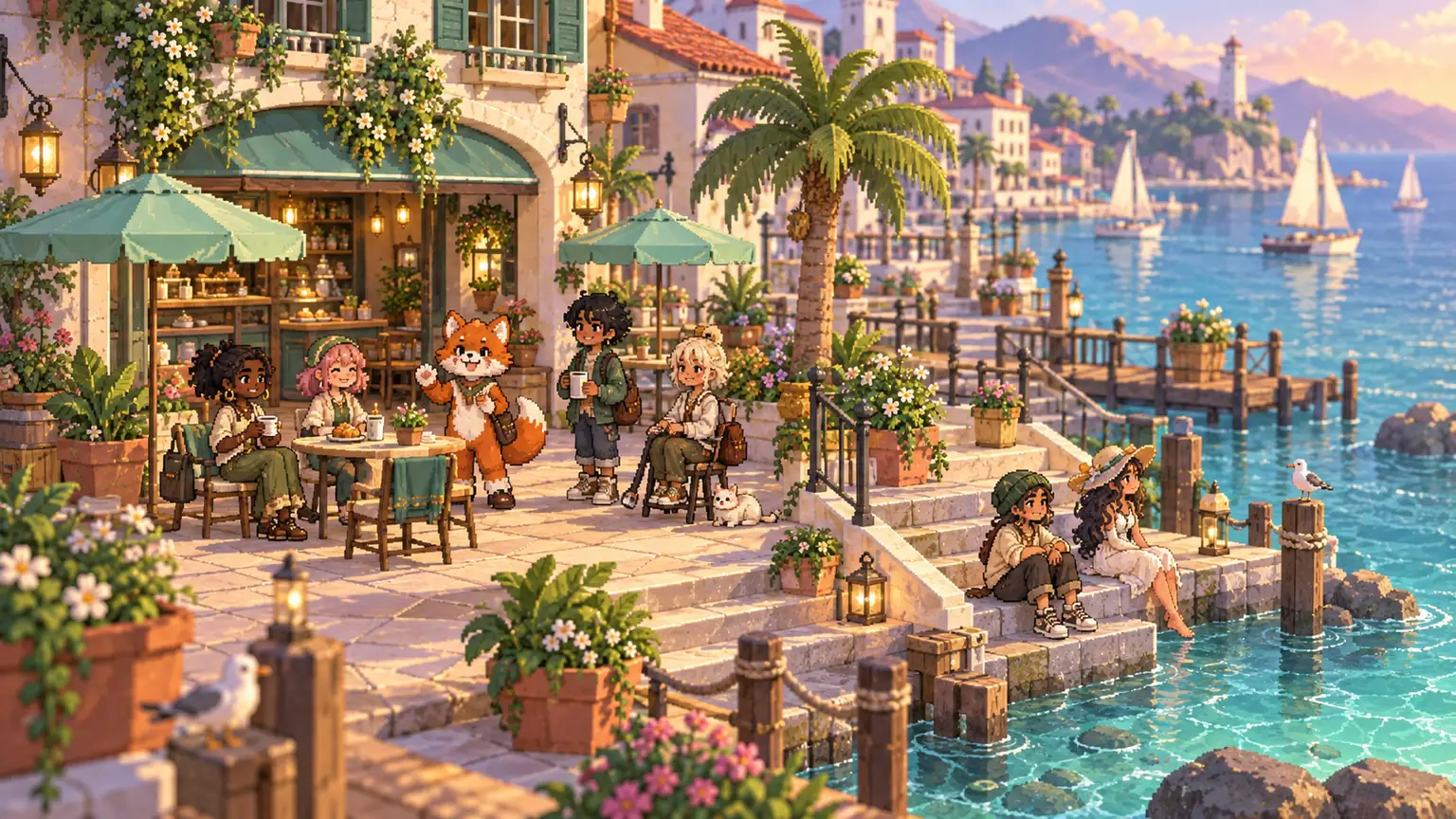
Compose your character, clothes and accessories. Preview layers together, work with animation frames, and save your appearance from one suite.
Draw and resize areas, paint floors, set furniture and connect realms. Editors can link voice channels or deliberately create a new one.
Design 2D sprites and textures in Pixel studio, or create 3D objects with the first-person block builder and orbit editor.
Search and preview your server’s designs. Copy, edit, import and export native JSON. Server editors can review or remove submitted artwork.
Double-click a chair to approach and sit. Double-click a portal to travel. Explore another realm without an unexpected voice-channel switch.
When you want to talk there, use Discord’s own controls or choose Join voice. Moot never carries or records call audio or video.
Read the quick field guide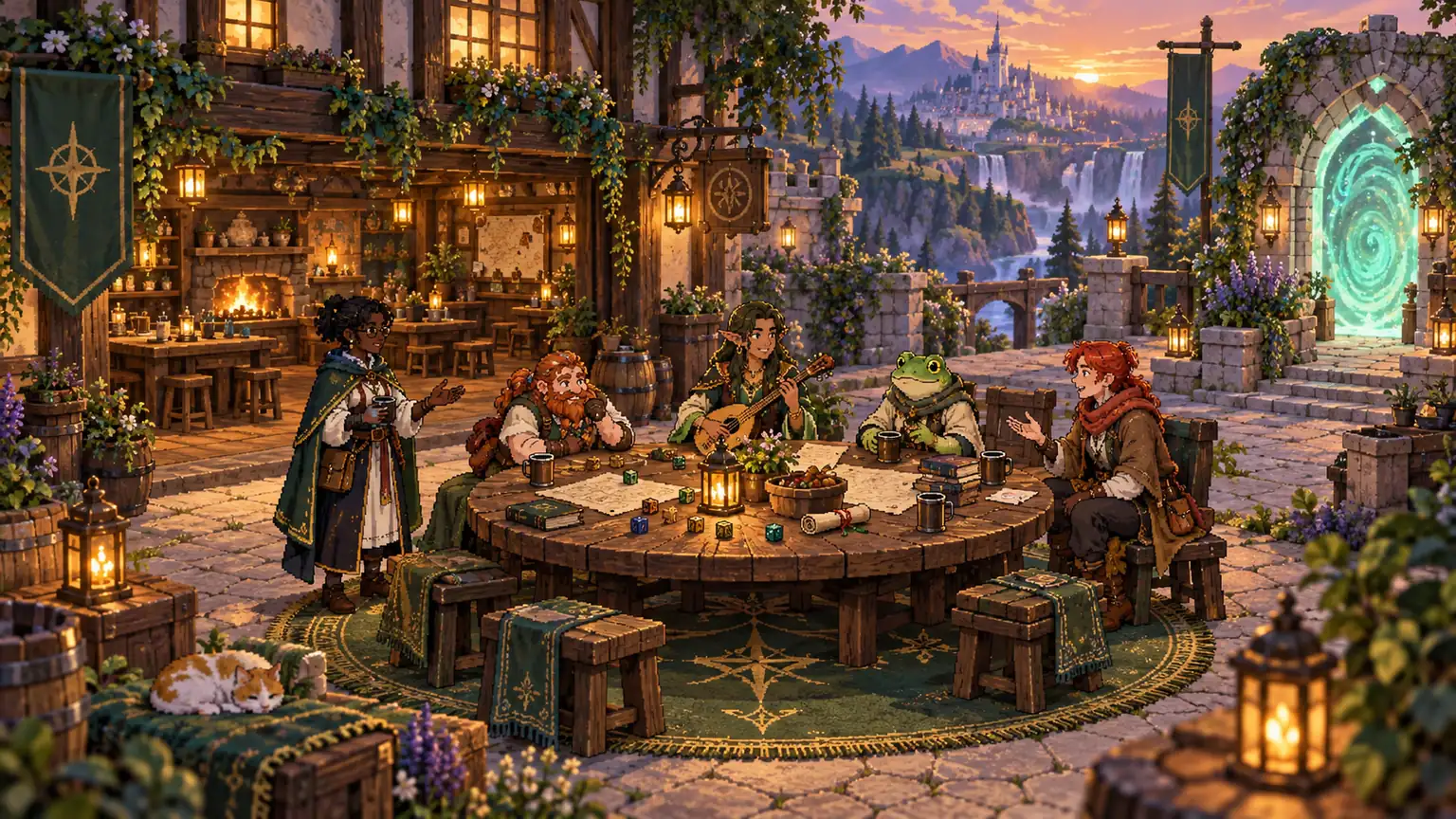
Native Discord permissions still matter. A portal is not a way around a restricted voice channel. Server editors can moderate member creations, and sensitive actions check current rights.
Camera feeds stay in Discord’s native video view. Room-level voice stays native too; independent proximity audio is outside the current Activity integration.
Safety & community expectations