People behind the pixels.
The public design calls for clear creator credit and remix lineage, including source versions and license information.
 Moot World
Design a look, build a favorite chair, draw a floor or connect a new realm. Character and build suites keep previewing, editing and managing your creations together.
Creative tools and the server library exist in the private test build. The public library and web submissions are not open.
Create characters, clothes, accessories, floor textures and illustrated objects. Work with modern palettes and shading ramps, animation frames and composed character previews.
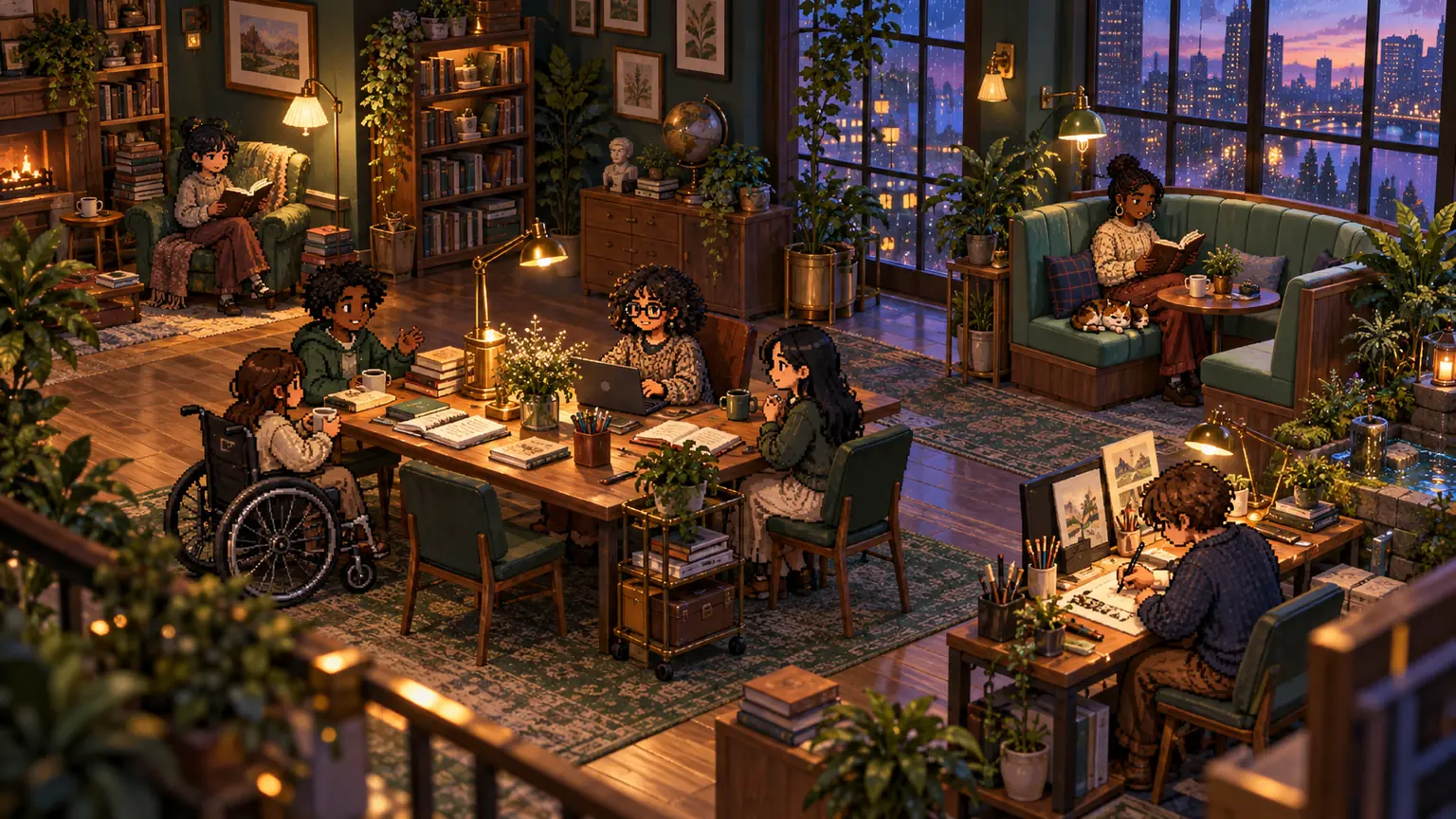
A first-person block builder makes setting and removing voxels familiar. Switch to the orbit editor for an overview. Paint blocks or individual faces, add textures, and preview your object.
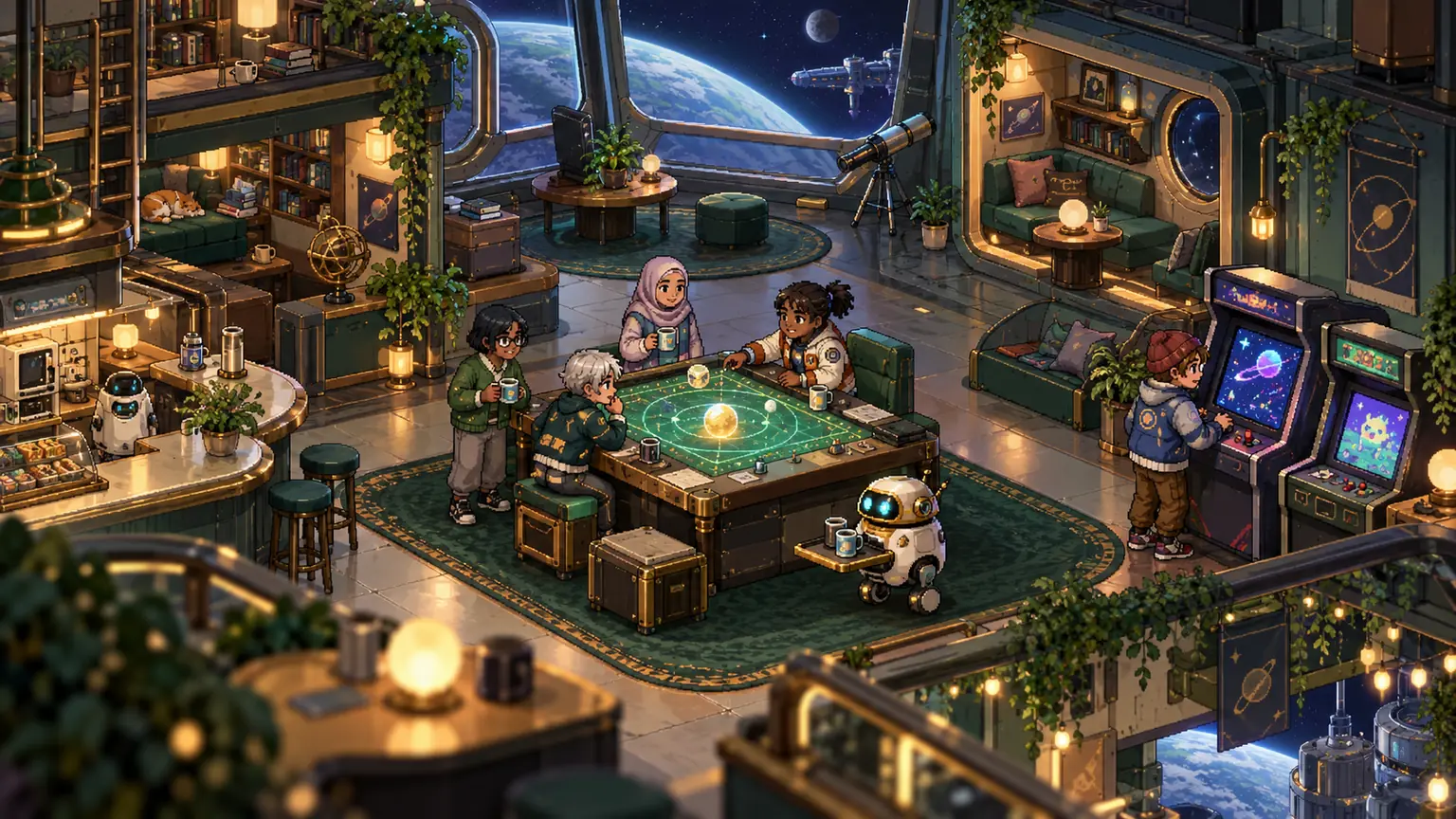
Authorized editors shape areas, floors, terrain, furniture and connected realms. Preview a design in the library, choose Set, and place it in the space.
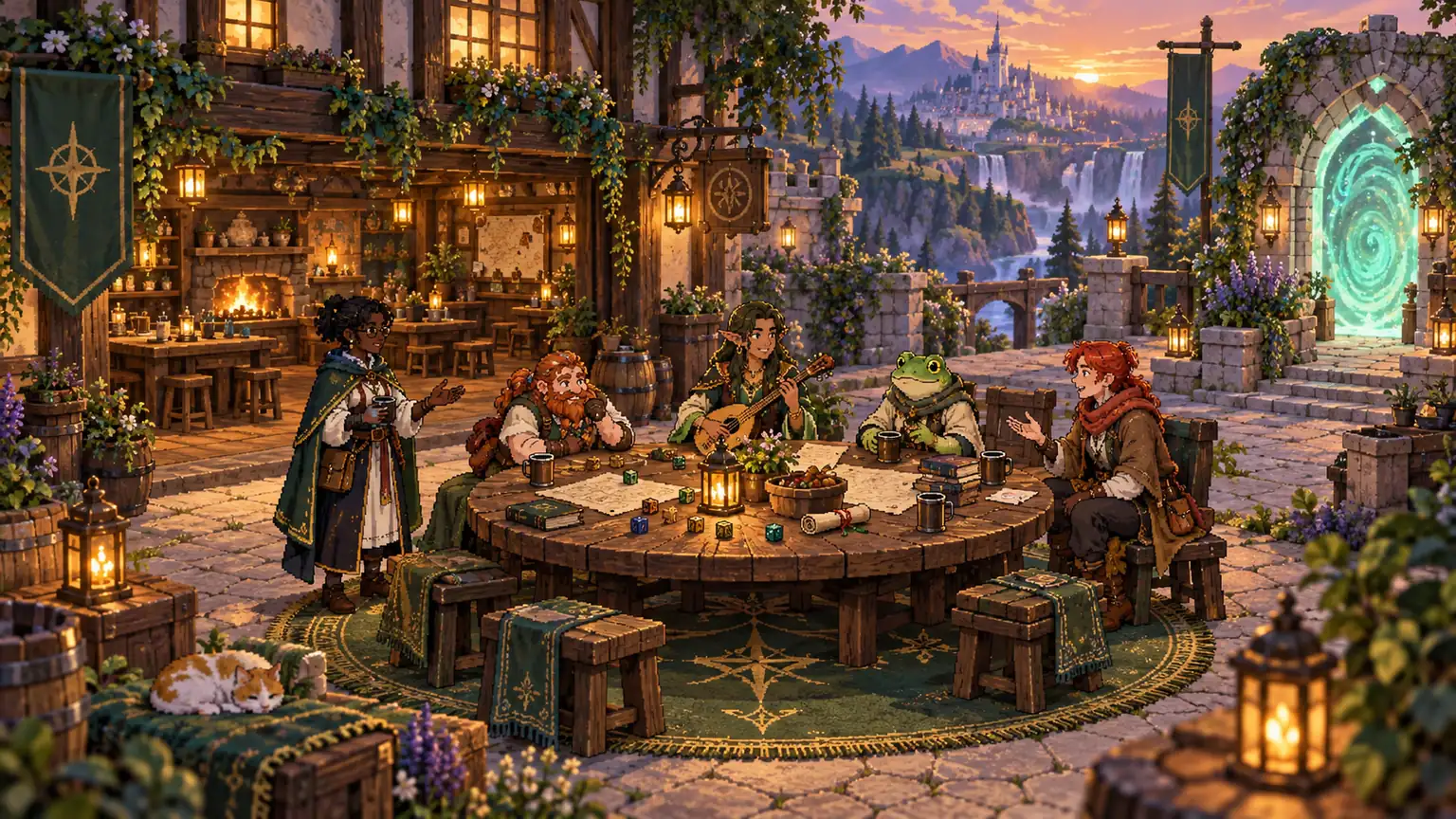
Moot’s local prompt builder helps you describe an asset, its size and its native format. Copy the prompt to an LLM you choose; it asks for a JSON file and a preview rendered from that exact file.
Moot does not automatically send the prompt or Discord data to an AI service. Check the result, import it into the test build, and refine it in the right studio. Generated artwork still needs appropriate rights and review.
A free, reviewed catalog for characters, furniture, textures and worlds. Discover the same creations on moot.world and inside Discord.
The public design calls for clear creator credit and remix lineage, including source versions and license information.
A private draft, an approved server asset and a public submission are separate choices. Server approval will not automatically publish work.
The planned site and Activity library will use the same reviewed versions. Importing into a server remains a separate authorized action.
The default direction is free community sharing supported by server subscriptions. Paid assets, tipping and creator payouts are not enabled.
Members can edit, copy or withdraw their own creations. Server editors can approve, reject or remove designs and reset visible character or desk customizations. Removing a source design clears dependent uses according to the app’s moderation rules.
Native export/import exists today. Public licensing, rights attestation, catalog review and cross-server source tracking still need their own completed publishing contract before the public library opens.
Community & creation safety